- | / Save up to % Save % Save up to Save Sale Sold out In stock


Free Continental U.S. Shipping $99+
New Owners Offer
Getting a New Vehicle Delivery? Get 25% off and a free gift!
Claim Your New Owners Offer


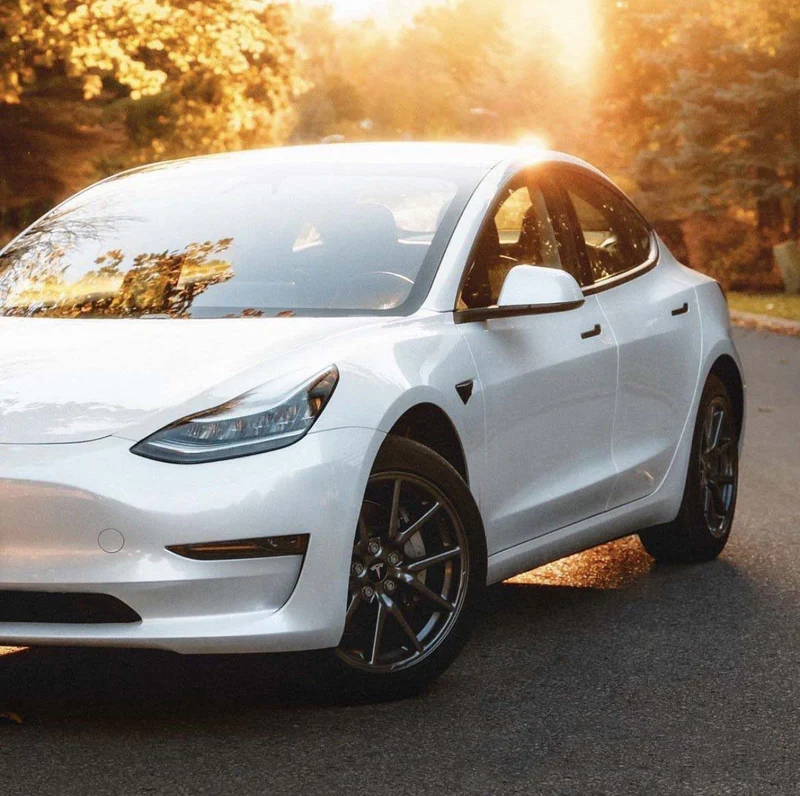
Black out your Tesla's chrome the easy way. Factory chrome trim dates an otherwise modern car. A chrome delete blacks out the window surrounds, door handles, mirror caps and badges for a clean, murdered-out look — and with a pre-cut DIY kit you can do it yourself in an afternoon, for a fraction of a shop's price.
Quick answer: DIY chrome delete kits use pre-cut Avery Dennison vinyl to cover your Tesla's chrome trim in satin black, gloss black, matte black, or carbon fiber. Available for Model 3, Model S, and Model X, with tools and a step-by-step video included. Most installs take an afternoon.
Not sure on the finish? Start with a chrome delete sample swatch to see satin, matte, gloss and carbon in person.
“Chrome delete” means covering your Tesla's bright chrome trim with black (or carbon) vinyl so it blends into the body. It's the single fastest way to modernize the look of a Model 3, S or X — no paint, no bodywork, and fully reversible. Our kits are plotter-cut to each model, so the pieces line up and there's nothing to trim.
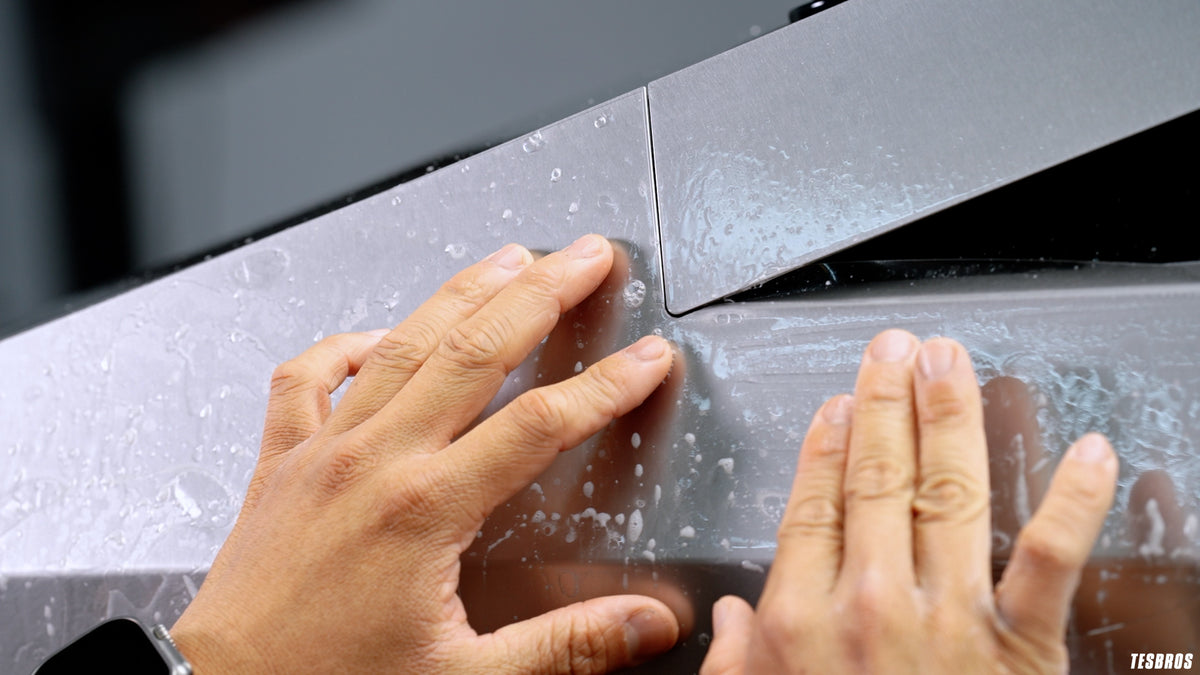
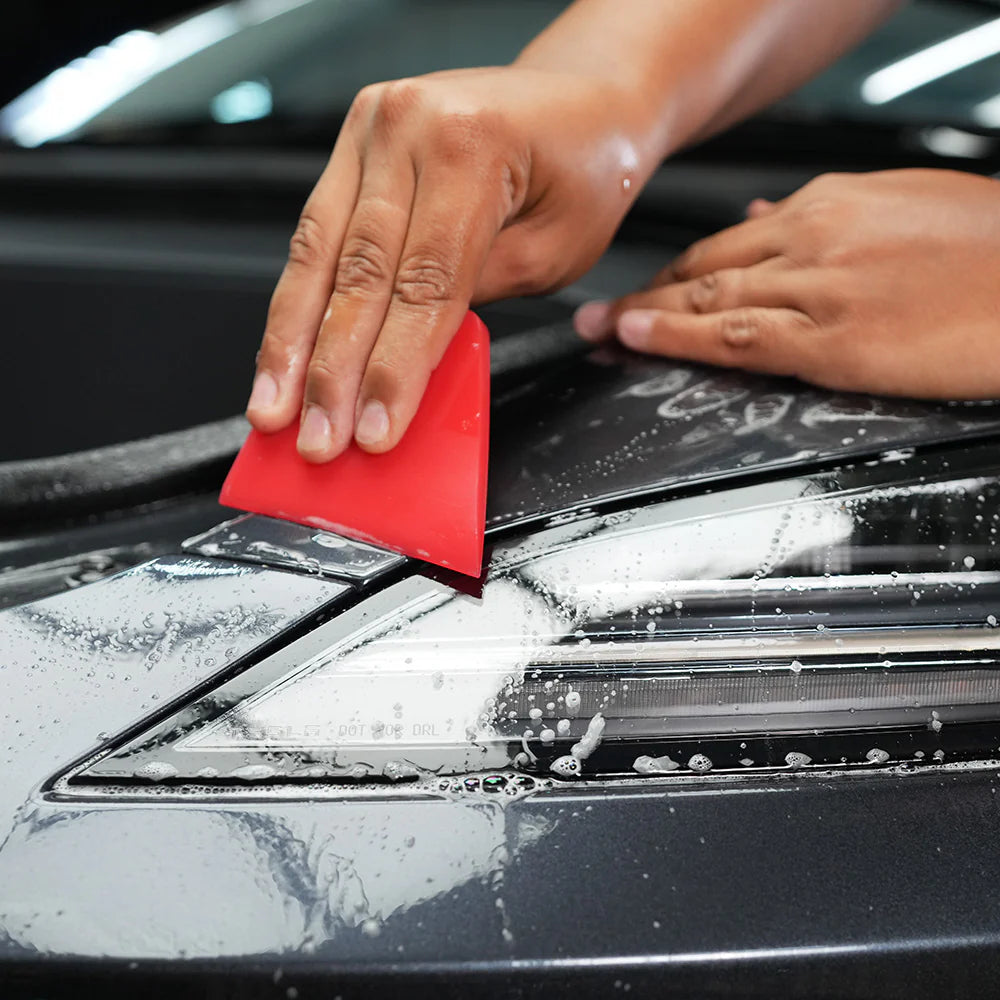
Each kit is pre-cut and comes with the tools and a step-by-step video. Clean the trim, peel and position each pre-cut piece, squeegee it down, and wrap the edges. Most owners finish in an afternoon — if you can apply a screen protector, you can do a chrome delete.
Does chrome delete damage the paint or trim?
No — the vinyl applies over your trim and removes cleanly without damage; it's fully reversible.
How long does it last?
Our Avery Dennison vinyl is rated for 5+ years with normal care.
Which finish should I choose?
Satin black is the most popular and hides fine imperfections best; grab the sample swatch if you're deciding.
Do I need any special tools?
No — everything you need is in the kit, along with a step-by-step install video.
Ready to black it out? Pick your model above, or start with the Model 3 Chrome Delete Kit.