
Buying a used Tesla can be an amazing deal, especially if the vehicle already includes the Full Self Driving package. The tricky part is figuring out whether FSD is actually installed, permanently tied to the car, or just an active subscription that disappears the moment ownership changes.
In this guide, we walk you through exactly how to verify FSD before you buy, so you know what you are getting and avoid surprises after taking delivery.
Why FSD Matters When Shopping Used
Full Self Driving has always been one of Tesla’s biggest optional upgrades. Depending on when the original owner purchased it, FSD may have cost thousands of dollars. If it is included with the car, that can save you a massive amount of money and unlock automated driving features instantly.
If it is not included, you will either need to purchase it yourself or subscribe monthly. The key is knowing the difference before you commit.
Step One: Check the Tesla Touchscreen
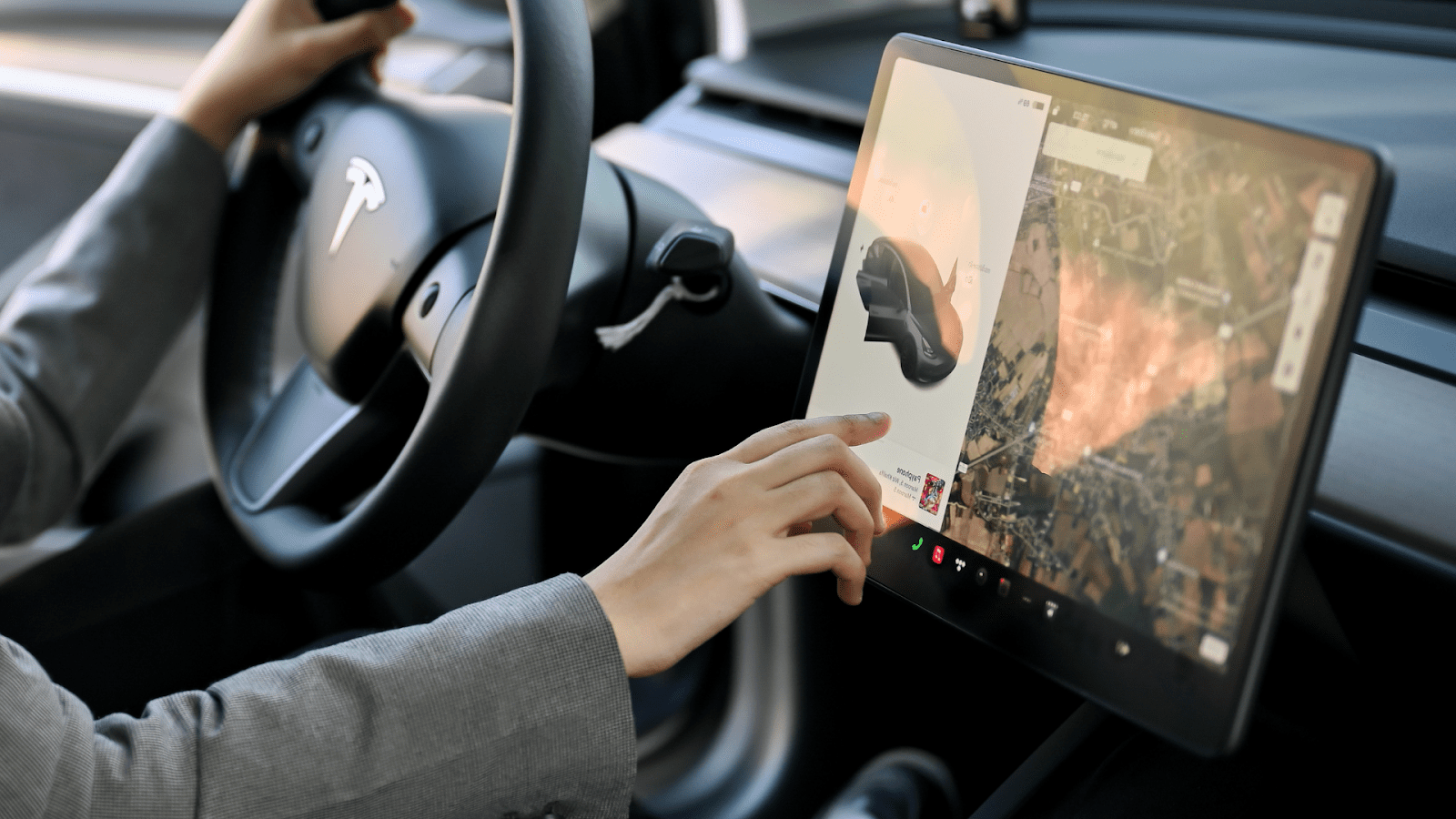
The fastest and most reliable method is checking the display inside the car. Navigate to Controls > Software. On this screen you should find a line that says Full Self Driving Capability or Full Self Driving Package.
If it says “Included Package” this usually means the original owner purchased FSD outright and it is permanently attached to that VIN. If the screen shows “Buy Full Self Driving” or “Subscribe to Full Self Driving” then the car does not have the paid package. This is the biggest red flag to look for.
There is also a section called Additional Vehicle Information. Sometimes this area will confirm the presence of the FSD computer hardware such as HW3 or HW4. Hardware alone does not guarantee the software package, but it does tell you the car is eligible.
Step Two: Ask for Documentation
If a seller claims the car has FSD, they should be able to provide proof. This can be as simple as a screenshot of their Tesla app showing FSD as a purchased upgrade or the original Tesla invoice listing Full Self Driving Capability as an option.
This is especially important when the car is being sold through a third party or a dealer. Some owners cancel their FSD subscription before selling the car, and some dealers mistakenly list a car as having FSD when it only had a temporary trial.
Step Three: Watch Out for Subscription Confusion
FSD subscriptions are more common now and they can make used purchases tricky. A subscription stays active only while the previous owner keeps paying. Once they cancel or the ownership changes, the subscription disappears. From your perspective, it is as if the car never had FSD at all.
If the touchscreen shows any expiration date or anything labeled subscription, assume it will not transfer to you.
Step Four: Confirm After Ownership Transfer
Even if the seller says it is included, check again once the car is in your Tesla account. Tesla may remove certain software packages when ownership changes if there were inconsistencies, billing issues, or if the software was incorrectly attached to the vehicle by a previous owner.
Once the transfer is complete and the car appears in your Tesla app, check the Upgrades section. If FSD is listed as purchased, you are good. If it shows up as an available upgrade, then the package is not active.
Extra Tips
- Look at the original listing if the car is coming from Tesla’s used inventory. Tesla clearly labels whether FSD is included or not.
- Have the seller show you the software screen live through a video call. Screenshots can be outdated or edited.
- Make sure the car has current software updates. Some outdated builds may not display FSD information correctly.
Should FSD Stop You From Buying the Car?
Not necessarily. Many owners decide to skip FSD until Tesla improves the system or lowers the price. But if a car does have FSD included, consider that a major bonus. It can add thousands of dollars of value and saves you from subscribing later.
Final Thoughts
Buying a used Tesla is easier when you know exactly how to verify Full Self Driving. Always check the software screen, gather proof from the seller, and confirm the status once the car is in your Tesla account. A little due diligence before signing makes a huge difference.
Bonus
Download this free checklist to take with you on delivery day. This guide will walk you through all the things to check to make sure you’re getting the best used Tesla.
DIY Wrap Club
If you are wanting to customize your Tesla with tint, PPF, or vinyl wraps, check out our installation guides and DIY kits. At DIY Wrap Club (Formerly TESBROS), we make it fun and simple to personalize your ride and keep it looking amazing.


